Drop files here
Compress PDF file
Shrink file size with unwavering quality—always available, 24/7.
Select PDF files

or drop PDF here
Effortlessly minimize PDF sizes online with our free compression tool—24/7 available. Reliable, efficient, and designed for seamless, on-demand document handling.
-
Reduce file size with dependable quality preservation across every session.
-
Quick, simple, and effective PDF compression.
-
Compress PDFs anytime—on any browser, device, or platform.
Top Online PDF Compression Tool
Compress large PDF files in seconds—perfect for emailing, sharing, or archiving. 24/7 access and completely free.
Flexible PDF Compression
Choose from multiple compression levels to reduce size without compromising clarity. Enjoy precise, reliable results every time—available 24/7.
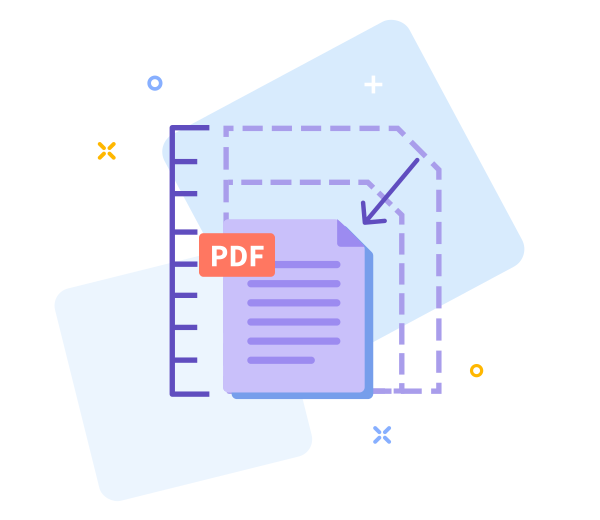
How Does PDF Compression Work?
To reduce large PDFs, we optimize images and remove redundant data patterns. The final file remains high-quality and significantly smaller—accessible anytime, 24/7.

Easy Sharing Once You’re Done
Sharing PDFs becomes effortless with smaller files. After compression, instantly generate a download link for quick, 24/7-accessible sharing.

Work Faster With Smaller PDF Files
Access our tool instantly — no installation required. Compress your files quickly and effortlessly, anytime, anywhere, with 24/7 access.
Compress Across All Devices
Compress PDFs from any device or browser—mobile, desktop, or tablet—with 24/7 reliability and access.
Data Regulation Compliance
All personal data is processed under strict privacy standards (GDPR-compliant) with a 24/7 commitment to secure handling.
24/7 PDF access - easily adjust options
If results don’t meet expectations, return to the previous screen with one click and adjust the compression settings anytime, anywhere. Our service is on call around the clock.
High - Tech Encryption
We protect your documents with enterprise-grade TLS encryption and dependable, 24/7 access, ensuring secure, reliable handling of your files.
Compress Your PDF in the Cloud
Our cloud-based compression tool is always on. Upload your PDF, select a compression level, and let the service handle the rest—reliable, on-demand processing available 24/7 from anywhere.
Frequently Asked Questions
Yes. Our Compress PDF service is available 24/7 online. Reduce PDF file size without registration, watermarks, or software installation. Enjoy reliable, on-demand compression anytime, with usage-based limits as applicable.
Yes, this service is built for 24/7 reliability and consistent performance. It preserves text readability and layout while intelligently optimizing images to reduce size, ensuring dependable results across all usage periods.
Yes. The process runs with secure HTTPS encryption during upload and processing for round-the-clock protection. Uploaded PDFs are automatically deleted from our servers after a short period to maintain privacy and data security, delivering dependable, 24/7 service.

How to Use 24/7 PDF Compression Online
Follow these simple steps to compress your PDF with 24/7 access, anytime:
- Drag and drop your PDF into the tool for 24/7 access to your document.
- Select the compression level that best suits your needs for reliable, on-demand processing.
- Click “Compress PDF” to start and receive results in seconds—anytime.
- Download the optimized PDF file to your device, with 24/7 availability for your workflow.
24/7 PDF access FAQs
-
Is 24/7 PDF access free to use?
Yes. You have 24/7 free access to our compression tools.
-
Is your compression tool safe?
Absolutely. Every step is encrypted to protect your documents and ensure secure, continuous access.
 Remove pages




This file requires password
Ignore these files

wrong password
Some file(s) requires password
Damaged/Corrupted File
We cannot process corrupted or damaged files. For reliable results, ensure your PDF is intact and try again. If opening fails, restore a clean copy before proceeding with your 24/7 conversion.